How Pictor works
One link for
your media.
Upload images and video anonymously, then share, transform, or embed them through site-proxied URLs. The frontend stays simple while Cloudflare handles storage, transcoding, and edge delivery.
About This Site
Pictor is built on Pagekiln. Pagekiln generates the static frontend, while upload, public listing, administration, image proxying, and video proxying are handled by Cloudflare Pages Functions under /backend.
Shareable image and video URLs prefer site-proxied links. The browser does not receive Cloudflare Images or Cloudflare Stream origin delivery URLs directly, and proxied responses are handed to Cloudflare CDN caching to reduce repeated origin fetches. Unlisted uploads do not appear in the public listing, but visitors with the URL can still open the asset.
Backups And Availability
This site supports anonymous image and video uploads, but it does not guarantee SLA or permanent retention. Always keep your source files or another backup; public links are useful for sharing, previewing, and embedding, not as the only archive copy.
Embed Images
After an image is uploaded, the home page, upload result, and admin page provide copyable image URLs. Images use:
/i/<image_id>/<variant>.<ext>The most common form is the default public image:
/i/3338b17d-a1ff-4135-8954-c2440615dd00/public.jpgIn Markdown:
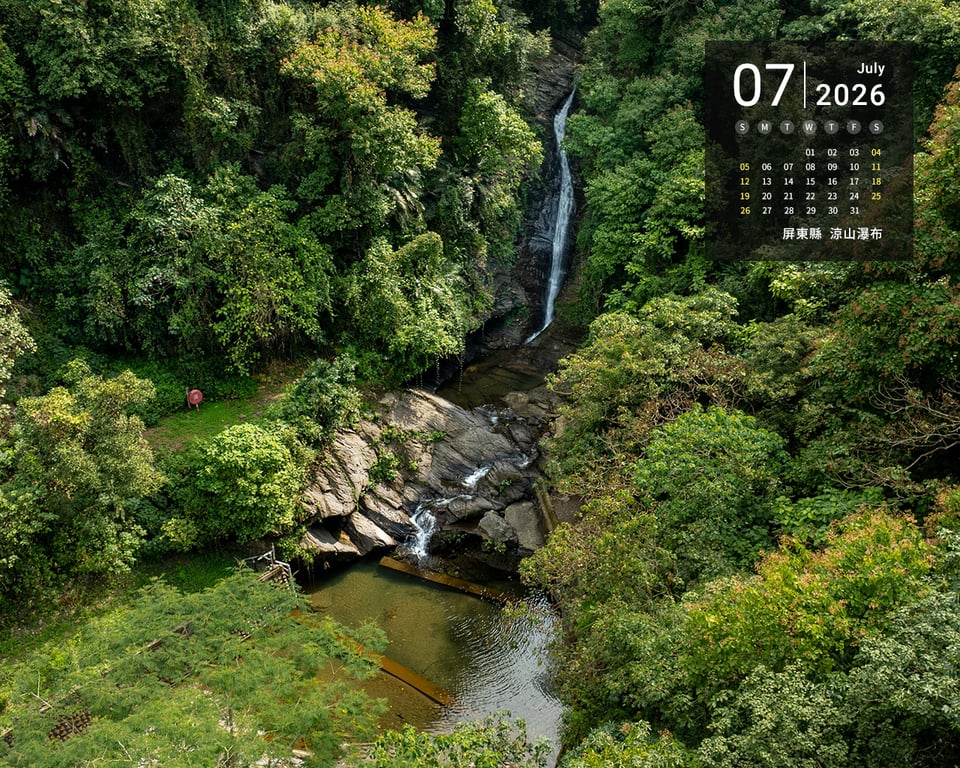In HTML:
<img src="../../i/3338b17d-a1ff-4135-8954-c2440615dd00/public.jpg" alt="Image description">Transform Images By URL
<variant> can be the default public, or Cloudflare Images flexible variant parameters. Join multiple parameters with commas. The trailing .ext keeps the URL CDN-friendly and file-like; the variant string controls the actual transformation.
/i/3338b17d-a1ff-4135-8954-c2440615dd00/w=1200,quality=80,format=webp.webpCommon parameters:
w=800: limit output width for lists, article thumbnails, or mobile screens.h=600: limit output height, optionally together with width.quality=75: tune compression quality; higher values usually mean larger files.format=webporformat=avif: request a web-friendly output format.fit=cover: crop to fill a fixed frame, useful for covers.
When in doubt, use w=1600,quality=82,format=webp for article images and large embeds; use w=720,quality=75,format=webp for card thumbnails.
Embed Videos
After a video is uploaded, Pictor provides a video player URL. Videos use:
/v/<stream_uid>/iframeUse an iframe to embed the player in a page:
<iframe
  src="../../v/<stream_uid>/iframe"
  title="Video description"
  loading="lazy"
  allow="accelerometer; gyroscope; autoplay; encrypted-media; picture-in-picture"
  allowfullscreen></iframe>
Video poster and preview images are also served through site-proxied URLs:
/v/<stream_uid>/poster.jpg
/v/<stream_uid>/thumbnail.jpg
Video Playback And Billing
Videos are not as URL-flexible as images. Pictor videos support upload, poster preview, player embedding, and playback-position restore; actual playback uses Cloudflare Stream transcoded multi-quality DASH streams.
Cloudflare Stream billing is based on delivered minutes, so the player does not download the whole video before playback. The page shows the poster and duration first; after the user starts playback, the player requests the DASH manifest, initialization segments, and later media segments. In normal playback, only the needed parts are loaded. For the same reason, this site does not provide a video download button.
DASH automatically chooses from available qualities such as 240P, 360P, 720P, 1080P, or original quality based on the user's network, device, and buffer state. Users can also pick a quality manually; Auto mode balances smooth playback with visual quality.
Privacy, cookies, and your rights
Necessary storage supports language choice, upload state, security, and your privacy selection. Preferences, analytics, and marketing remain off until you actively allow them; no analytics or marketing service is currently enabled. Use “Cookie preferences” at the bottom-right of any page to change or withdraw your choice.
Anonymous uploads still require the infrastructure to process network information and media metadata. Public assets are visible to anyone; unlisted assets stay out of the gallery but remain accessible to anyone holding the URL. Do not upload sensitive personal data or material you lack the right to share.
To request access, correction, or deletion of data relating to you, or to object to processing, contact the site maintainer and provide enough information to identify the asset URL. When the browser sends Global Privacy Control (GPC), marketing sharing remains off.